Blog
Connect Claude to a markdown memory you own
Give Claude a memory that remembers across chats - stored as plain markdown files you keep, and shared with every other AI you use.
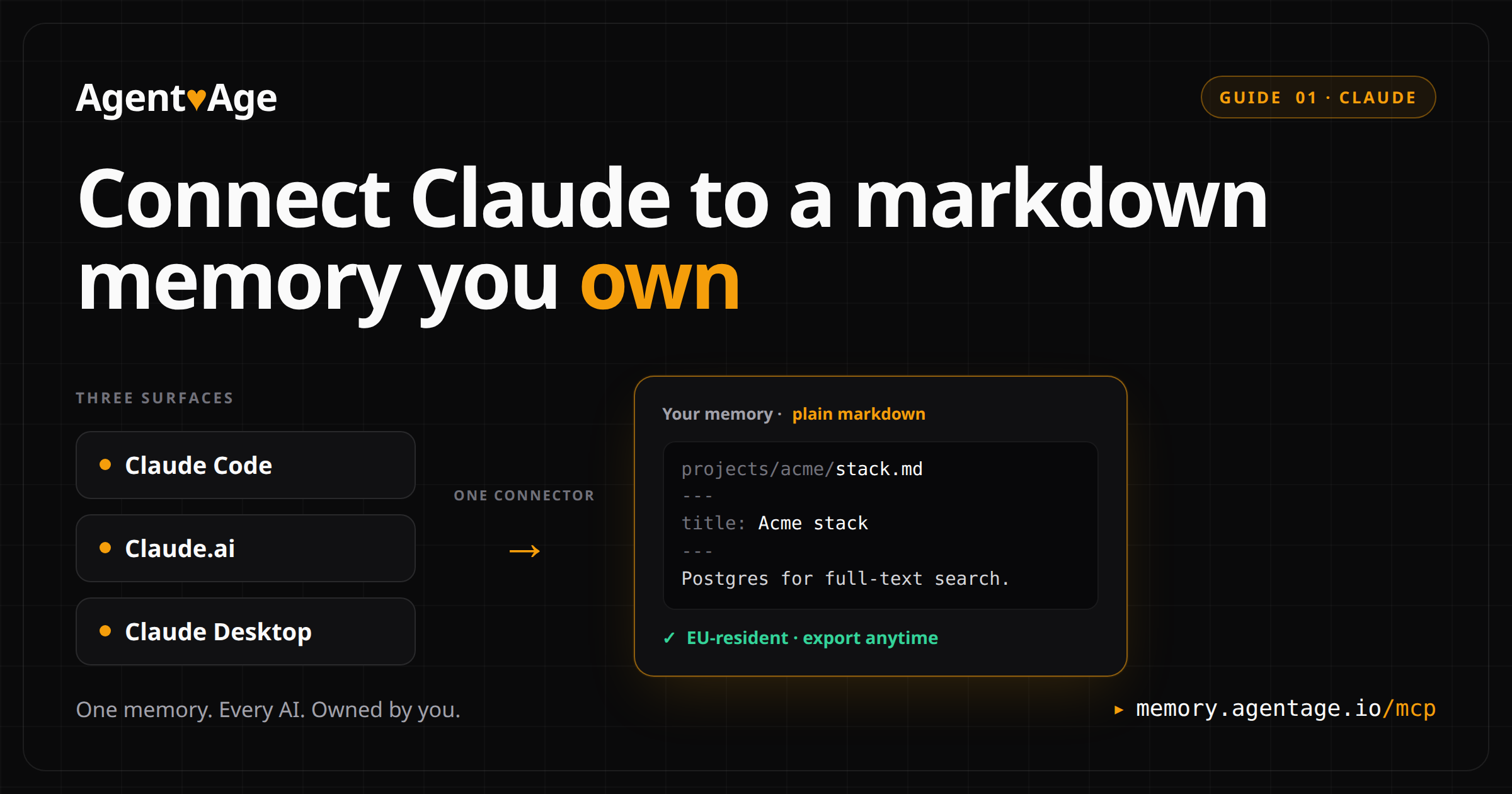
First in a short series on giving every AI one memory you own. This one is Claude - Claude Code, Claude.ai, and Claude Desktop. ChatGPT and Cursor get their own posts.
Open a new Claude chat and it forgets everything from the last one. You re-paste the same context, re-explain the same project, every single time. This connects Claude to a memory it can read and write - so the next chat already knows, and so does every other AI you connect later.
It takes about two minutes. One connector, the same for Claude Code, Claude.ai, and Claude Desktop.
#Connect now
You need one URL. It is the same memory connector for every Claude surface:
https://memory.agentage.io/mcpClaude.ai (web) or Claude Desktop - click Add to Claude. It opens Claude with the connector prefilled - just click Connect and sign in. (Or by hand: Settings > Connectors > Add custom connector, paste the URL.)
Claude Code - run one command in your terminal:
claude mcp add --transport http memory https://memory.agentage.io/mcpThe first time Claude uses the connector it opens a sign-in page in your browser to authorize it. That first sign-in creates your memory - there is no separate account step, and no API key to copy or paste back.
Want to understand what you just connected? Keep reading.
#What Claude's built-in memory is, and where it stops
Claude can carry some context for you now, and it helps. But it lives inside Claude. You cannot open it as a file, back it up, or point another tool at it - and it does not travel. Start a chat in another AI and that memory does not come with you.
Agentage Memory is different. Your memory is a set of plain markdown files that you own. Claude reads and writes those files through the connector, you can open and export them anytime, and the same memory is readable by every other AI you connect. Nothing is locked inside one vendor.
#Connect your notes to Claude in four steps
#1. Add the connector
Use whichever Claude you already work in:
- Claude.ai or Claude Desktop: click Add to Claude - it opens with the connector prefilled, then click Connect. (Or by hand: Settings > Connectors > Add custom connector, paste
https://memory.agentage.io/mcp.) - Claude Code: run
claude mcp add --transport http memory https://memory.agentage.io/mcp.
#2. Authorize in your browser
The first time Claude reaches the memory, it opens a sign-in page. Approve it and the connection is live. There is no key to manage.
#3. Ask Claude to save something
Tell Claude to remember something worth keeping. For example:
Save to memory: I'm building a recipe app in Next.js, and I prefer
TypeScript with no semicolons.
Claude writes it as a markdown note in your memory.
#4. Open a new chat and recall it
This is the test that proves it. Open a fresh chat with none of the earlier context and ask:
What do you remember about my project?Claude searches your memory, finds the note, and answers with your project and preferences. Write, new chat, recall - if that round-trip works, your memory is connected.
#How it compares
There are good memory tools out there. They tend to split into two camps, and each gives up something:
| Tool | Where your memory lives | Setup | Same memory in other AIs |
|---|---|---|---|
| Claude's built-in memory | Inside Claude, no export | None | No |
| Mem0 | A hosted cloud database | Hosted, quick | Some clients |
| Basic Memory | Plain markdown, run locally | Local, manual config | Yes, via MCP |
| Agentage Memory | Plain markdown you own, hosted | Paste one URL, ~2 min | Yes, one connector |
Credit where it is due: Mem0's hosted setup is genuinely smooth, and Basic Memory really does hand you your markdown files. The catch is what each one trades away - Mem0 keeps your memory in a database you cannot open, and Basic Memory asks you to run and wire it up yourself. Agentage Memory is the row that is hosted and convenient, plain files you own, and shared across every AI - without making you pick one or the other.
#Already use Obsidian?
Your Agentage memory is plain markdown with YAML frontmatter - the same shape an Obsidian vault uses. The notes Claude writes look and read like notes you would write yourself, and because you can export your memory anytime, nothing traps them in a format only a machine can read. If you live in markdown, this will feel familiar.
#One memory across Claude, ChatGPT and Cursor
This post connects Claude. The bigger idea is one memory that every AI shares. Save a decision while working with Claude today, and the AI you open tomorrow reads it from the same files - because the memory is yours, not any one vendor's. Connecting ChatGPT and Cursor is the next post in this series.
#Why not just use Claude's own memory?
Honest answer: if you only use Claude, and you are fine with your memory living inside Claude where you cannot export it or point other tools at it, the built-in memory may be enough. Use it.
Agentage Memory is for the other case - you want your memory as plain files you own and can take anywhere, and you want the same memory to follow you across more than one AI. That is the whole point.
One honesty note on search: memory search matches the words you actually wrote, like a keyword search over your files. It is literal, not a fuzzy meaning-match, so search for the terms you would use.
#FAQ
#Do I need an API key?
No. You connect with one URL or one command, and the first time Claude uses the memory it opens a browser sign-in to authorize. There is no key to copy, paste back, or rotate, and nothing for you to store.
#Where are my notes stored?
Your memory is plain markdown files that belong to you, stored on EU infrastructure and exportable anytime. They are the source of truth, readable as ordinary files - nothing is locked inside one vendor.
#Does this replace Claude's built-in memory?
It is a separate, file-based memory you own and can take elsewhere. Claude's built-in memory stays inside Claude. Use Agentage Memory when you want plain files and the same memory across more than one AI.
#Is the search smart or keyword based?
It is keyword based. Search matches the actual words in your notes, not the meaning behind them, so use the terms you would expect to find. It keeps results predictable when you go looking for something.
#How long does setup take?
About two minutes. You add the connector once - paste the URL in Claude.ai or Claude Desktop, or run one command in Claude Code - then authorize in your browser the first time Claude uses it.
#Connect your notes to Claude now
One connector, about two minutes, and the next chat already knows.
- Claude.ai or Claude Desktop: click Add to Claude - it opens with the connector prefilled, then click Connect. (Or by hand: Settings > Connectors > Add custom connector, paste
https://memory.agentage.io/mcp.) - Claude Code:
claude mcp add --transport http memory https://memory.agentage.io/mcp
Write a note, open a new chat, ask Claude what it remembers. When it answers, your memory is connected - and it is yours to keep.
One memory. Every AI. Owned by you.