Blog
Agentage Galaxy: see your Obsidian vault in 3D
A free Obsidian plugin that renders your notes as a 3D, rotating force-graph. Notes are nodes, links are edges, folders form colored clusters. Now in the community directory.
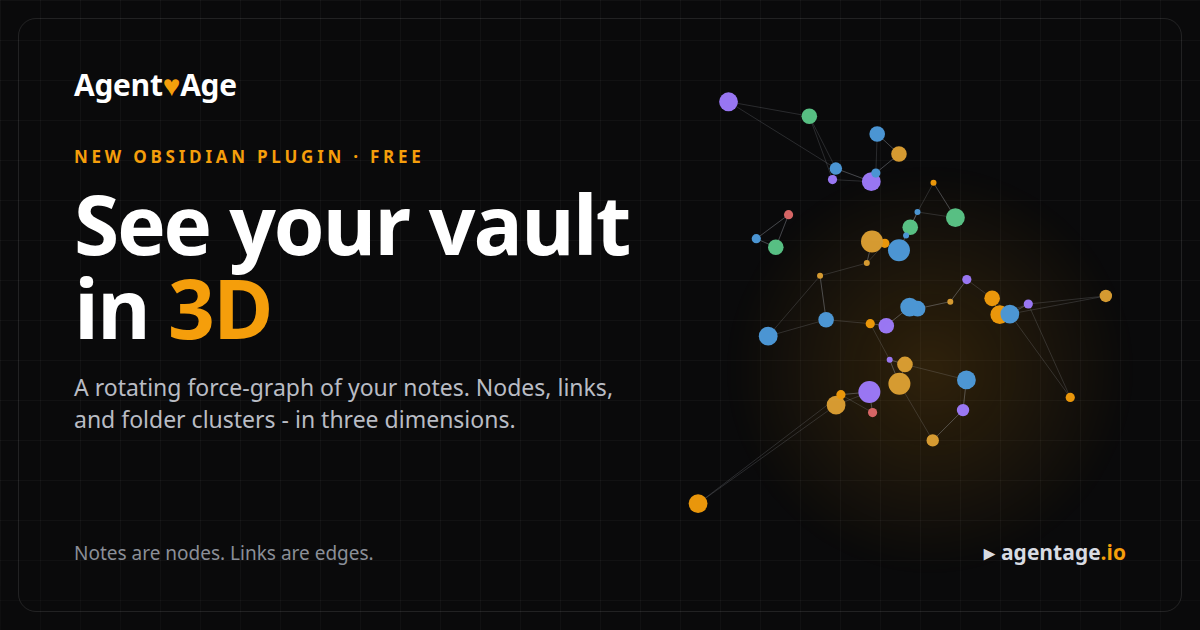
Your vault already knows its own shape. Every [[link]] you write is an edge, every note a
node, every folder a cluster. The built-in graph view flattens all of that onto a plane.
Agentage Galaxy lifts it into three dimensions, so the structure you have been building
note by note finally looks like what it is: a galaxy.
It is free, it is in the Obsidian community directory today, and it runs entirely on your device.
#What it is
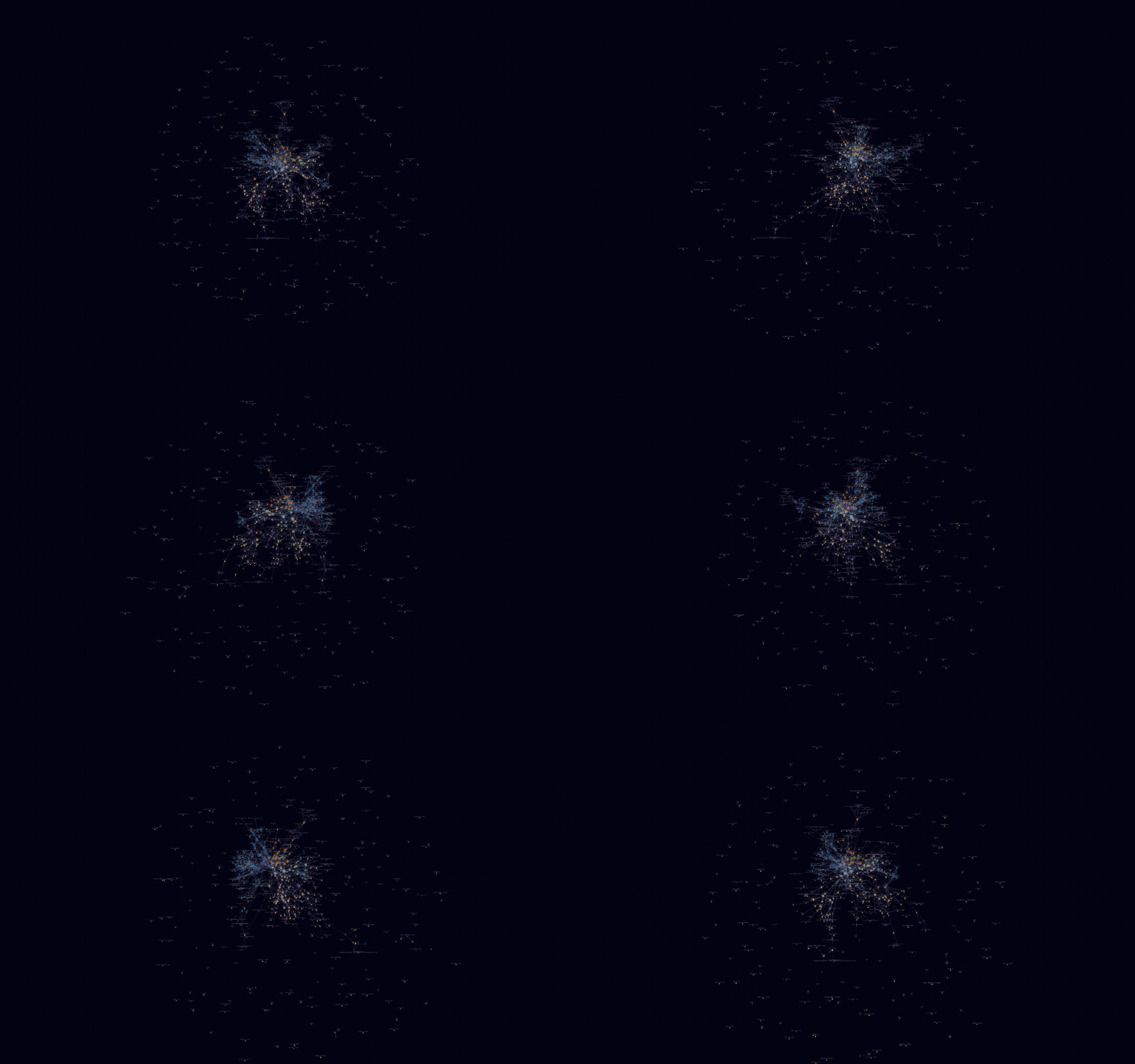
Agentage Galaxy is the built-in graph view, in 3D. The same data model and the same filters, rendered with three.js and auto-orbit:
- Auto-clustered by folder, zero config. Every top-level folder gets its own color, so the
shape of your vault pops on first open. Tags, attachments, and unresolved
[[links]]each form their own group. - Sized by connections. Your hub notes are visibly the biggest stars.
- Nothing new to learn. The same filters as the built-in graph - search, tags, attachments, existing-files-only, orphans - plus full force controls (center, repel, link, distance) and node size, link thickness, labels, and arrows.
- Fly through it. Auto-orbit with a speed control. Left-drag to rotate, scroll to zoom toward the cursor, right-drag to pan, click a node to open that note.
#Install it
One click from inside Obsidian:
Open in Obsidian - or copy
obsidian://show-plugin?id=agentage-galaxy into your browser.
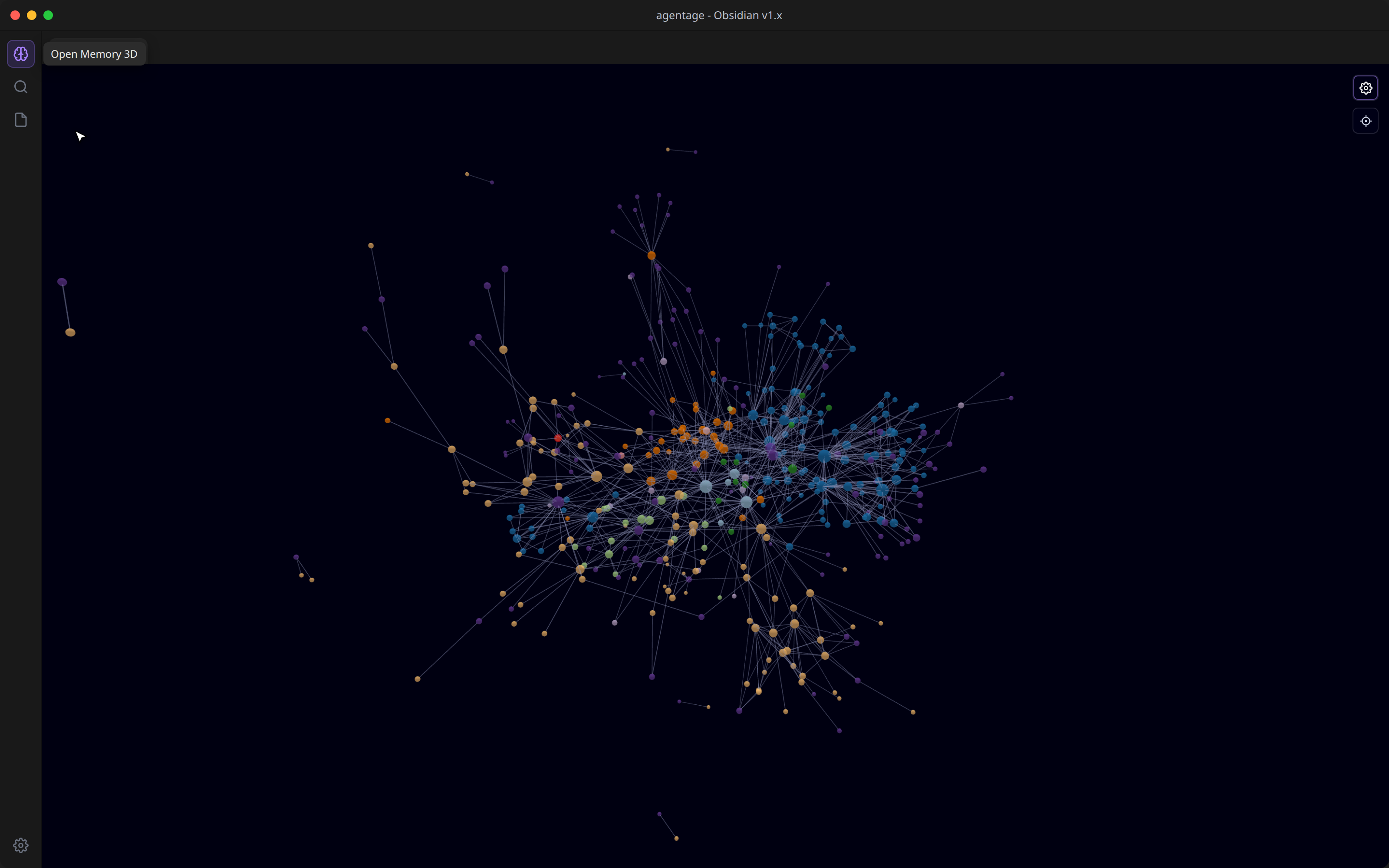
Or from the app: Settings -> Community plugins -> Browse -> search "Agentage Galaxy" -> Install -> Enable. Then click the brain icon in the left ribbon, and your vault starts rotating.
#100% local
Agentage Galaxy makes zero network calls. It is a pure, offline visualization of the Markdown you already own - no account, no upload, nothing leaves your machine. Desktop only, because it renders with WebGL.
#Part of Agentage Memory
Agentage Galaxy shows you one vault. Agentage Memory is the layer underneath the idea: one set of plain-Markdown notes that every AI you use - Claude, ChatGPT, VS Code - can read and write over MCP, mirrored locally as files you own.
One memory. Every AI. Owned by you.
The graph is the view. Memory is the thing every AI shares. Connect any client once at memory.agentage.io, and your tools stop opening with a blank slate.
Install Agentage Galaxy, and see your vault the way it has always been shaped.